
Is There a Slotosport App? Native Versus Browser Access
Slotosport does not publish a native app in the Apple App Store or Google Play. This is not a platform oversight — real-money gambling apps face strict listing restrictions on both stores, particularly for operators without a UK Gambling Commission licence, which Slotosport does not hold. Instead, the operator runs a fully responsive web experience that loads on any modern mobile browser without a download step. Only use the official Slotosport website URL entered directly into the mobile browser; any file offered as a Slotosport app in an unofficial store or via a direct APK link is not an official file and should be avoided.
How to Access Slotosport on iPhone and iPad
Slotosport on iOS runs through Safari, the default browser on iPhone and iPad. Chrome and Firefox on iOS also work, since all iOS browsers use the same underlying rendering engine on the operating system. The Add to Home Screen shortcut delivers a near-app experience without an actual app download from the App Store.
Slotosport iOS access steps
- Open Safari on the iPhone or iPad and enter the official Slotosport URL in the address bar
- Log in with the existing account credentials, or tap Sign Up for a new registration
- Tap the Share icon in the Safari browser toolbar
- Select Add to Home Screen to create a full-screen shortcut that launches Slotosport in a dedicated window
How to Access Slotosport on Android Devices
Android users access Slotosport through Chrome, Firefox or Samsung Internet, all of which support the platform's responsive layout. Chrome offers an Install App prompt when the site meets progressive web app criteria, which produces an icon on the app drawer that behaves like a standalone application without downloading anything from the Play Store.
Slotosport Android access steps
- Open Chrome, Firefox or Samsung Internet on the Android device
- Navigate to the official Slotosport URL and log in or register a new account
- Tap the browser menu (three vertical dots in Chrome, three horizontal lines in Firefox)
- Select Add to Home Screen or Install App depending on the browser
- Confirm the shortcut placement on the home screen or app drawer
Slotosport Mobile Interface and Features
The mobile Slotosport interface is a fully responsive adaptation of the desktop platform rather than a stripped-down subset. Every feature available on desktop appears in the mobile layout with touch-optimised controls and portrait-first design. The same account credentials and wallet balance transfer instantly between devices without additional authentication.
Slotosport mobile interface capabilities
- Full cashier access with deposits and withdrawals in the same session
- Live chat support embedded directly in the account area
- One-tap bonus opt-in from the mobile Promotions page
- Sports bet slip synchronised with the casino balance in real time
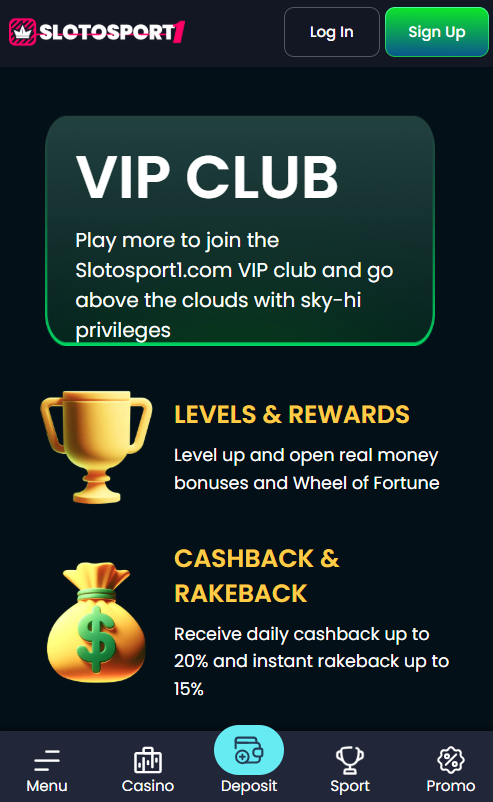
- VIP dashboard showing tier progress, cashback due and rakeback earned
- Touch-friendly game filters by provider, volatility band and category
- Portrait and landscape orientation support for game rendering
| CRITERION | SLOTOSPORT | CASINACHO ★ |
|---|---|---|
| Game catalogue | 3,500+ titles | 7,500+ titles |
| Live casino | Live dealer tables | 400+ Evolution tables |
| Welcome offer | 500% up to €12,000 | £3,000 + 200 spins |
| Bonus wagering | 35x wagering | Lighter requirements |
| Crypto payouts | Cards & crypto | Fast crypto payouts |
| Sports betting | Full sportsbook | Casino-focused |
Games Available on Slotosport Mobile
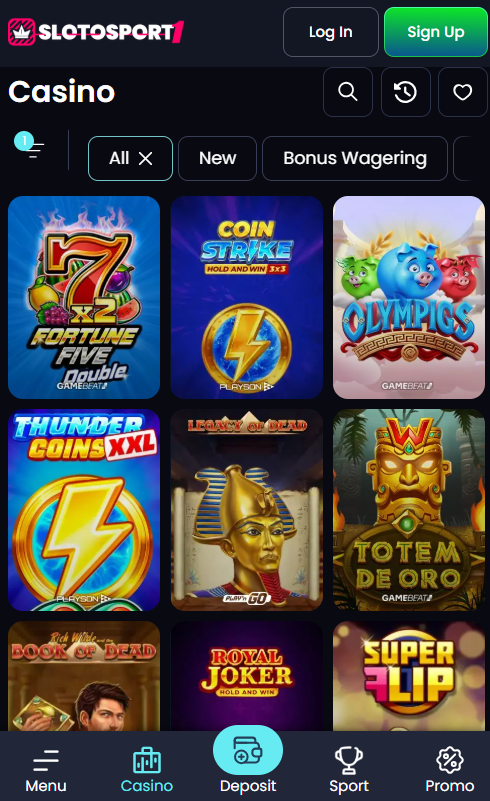
All 3,500+ Slotosport titles are mobile-compatible, though a small share of legacy slots require landscape orientation for optimal play. The most touch-optimised games include Pragmatic Play headline slots such as Gates of Olympus and Sweet Bonanza, Evolution Gaming live tables including Crazy Time and Lightning Roulette, and instant crash titles like Aviator by Spribe.
Best-optimised Slotosport games for mobile play
- Aviator (Spribe) — single-tap cashout mechanic performs well on touchscreens
- Crazy Time (Evolution Gaming) — HD stream and interactive multipliers render clearly
- Gates of Olympus (Pragmatic Play) — portrait-first layout with smooth cascade animations
- Lightning Roulette (Evolution Gaming) — full table view fits standard phone screens
- Book of Dead (Play'n GO) — classic slot with responsive tap-to-spin controls
Mobile Payments and Deposits
Slotosport mobile users can deposit and withdraw using every payment method available on desktop, with Apple Pay and Google Pay offering the fastest mobile-native experience. Both require a single tap with Face ID, Touch ID or Android biometric authentication — no card details are entered manually. Cryptocurrency deposits via the mobile browser use QR-code wallet addresses that scan directly from crypto wallet apps installed on the same device.
Slotosport mobile-optimised payment methods
| Method | Min Deposit | Mobile Feature |
|---|---|---|
| Apple Pay | €10 | Face ID or Touch ID one-tap authentication |
| Google Pay | €10 | Android biometric one-tap authentication |
| BTC / LTC / ETH / USDT | €10 | QR-code wallet address scan |
| Trustly | €10 | Instant bank redirect within the browser |
Device Compatibility and Performance
Slotosport mobile is compatible with all major modern operating systems. Performance on lower-bandwidth connections remains usable for slots and sportsbook, though HD live tables benefit from 4G, 5G or stable Wi-Fi.
Slotosport mobile device compatibility
| Operating System | Minimum Version | Recommended Version |
|---|---|---|
| iOS | 14+ (Safari, Chrome, Firefox) | 16+ |
| Android | 8+ (Chrome, Firefox, Samsung Internet) | 12+ |
| Connection | 3G or better | 4G, 5G or Wi-Fi |
New accounts can be created through the mobile browser using the walkthrough on the Slotosport registration page. Bonus opt-in and wagering terms for mobile players are documented in the Slotosport bonus page.